What can Farmroute export?
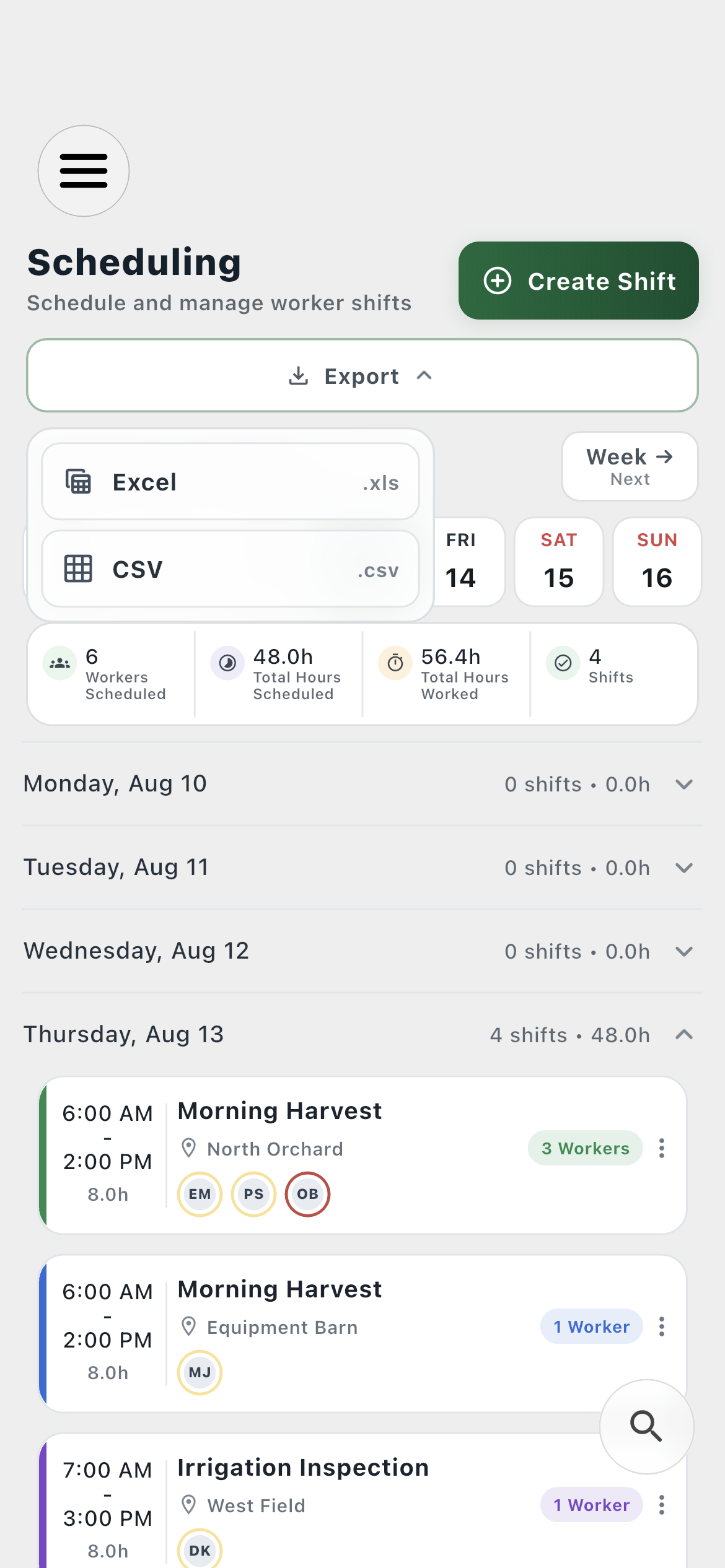
The current app provides five export workflows: a single shift, the visible schedule range, estimated gross payroll, a printable farm or worker ID, and a portable archive of account data.
Does Farmroute export Excel or CSV files?
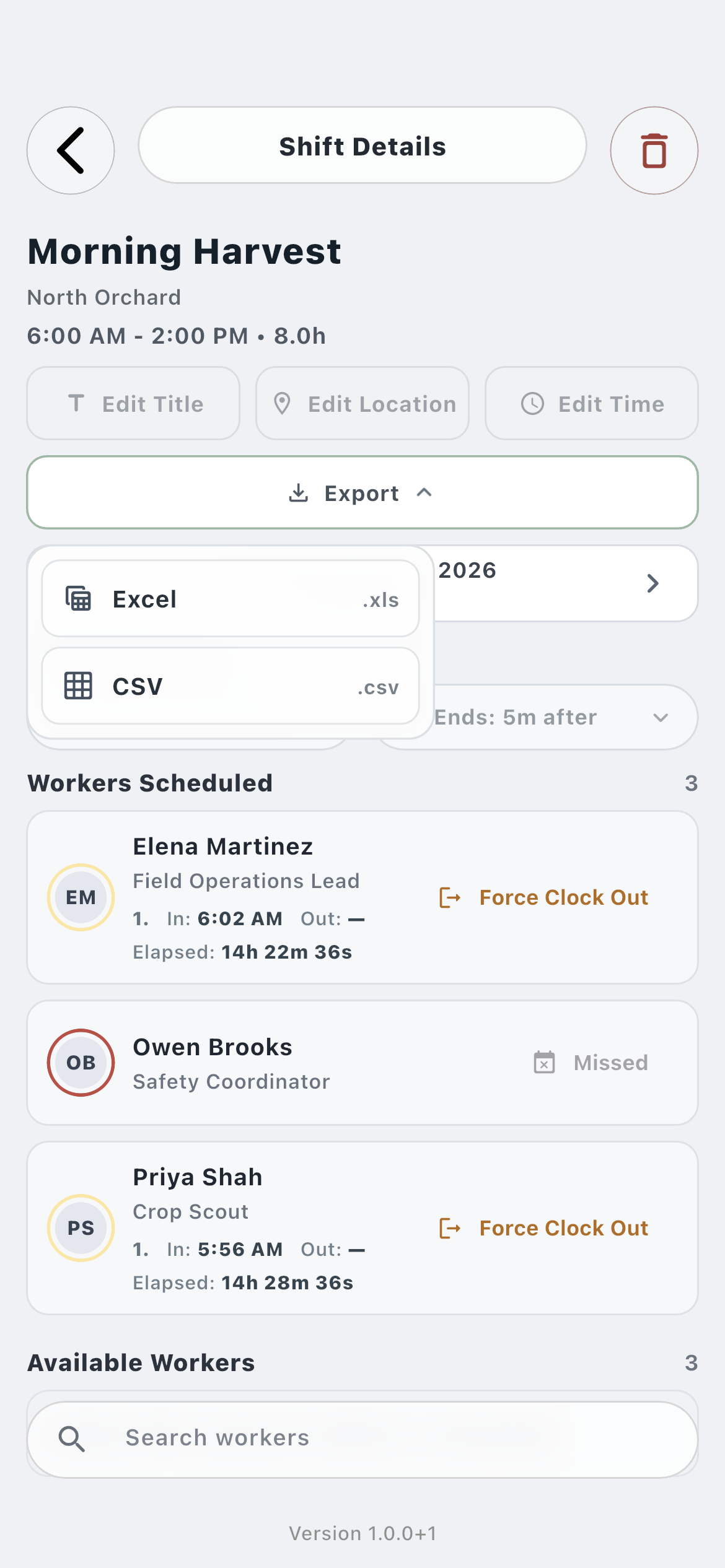
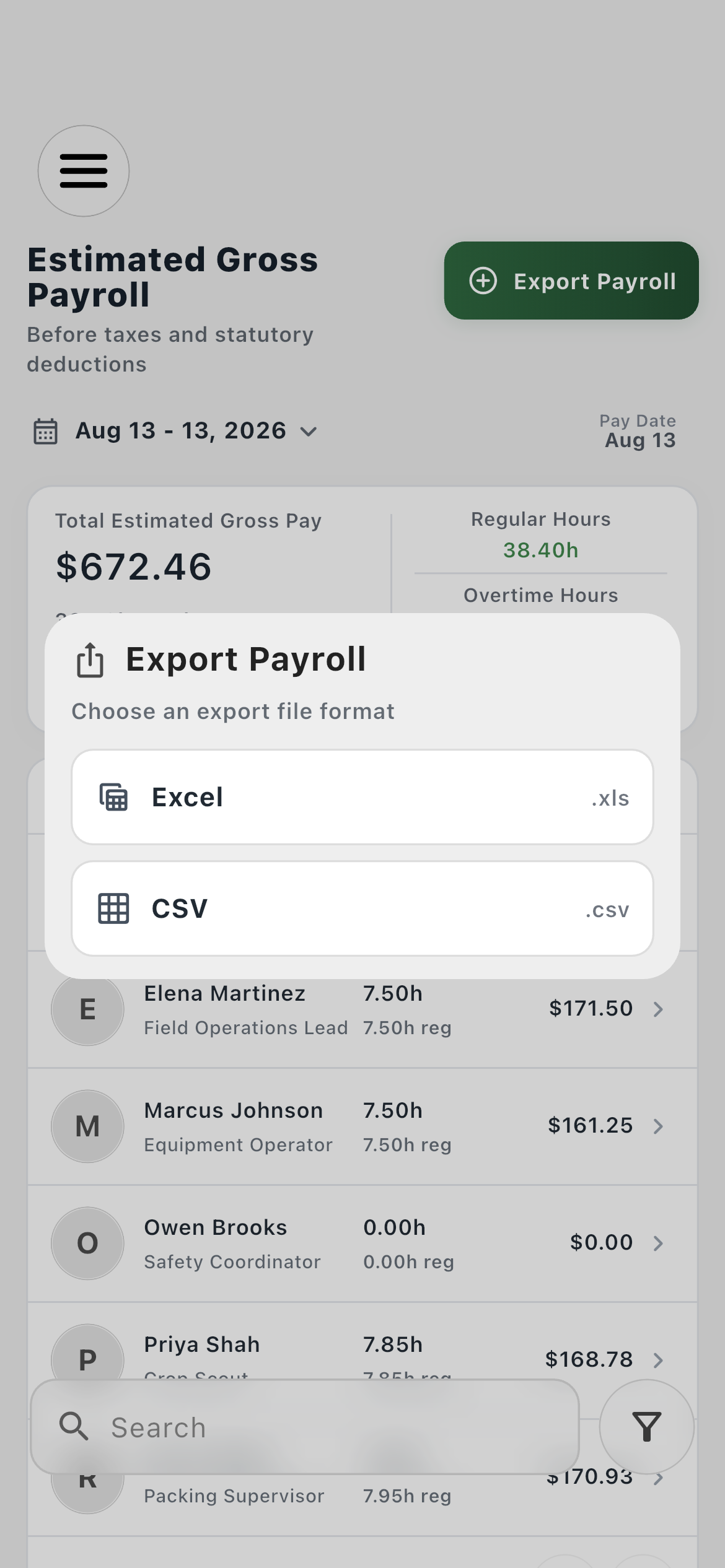
Yes. Shift, schedule-range, and payroll exports can be created as Excel .xls or CSV .csv files. CSV is useful for broad interchange, while Excel retains the spreadsheet-oriented output.
What is included in a shift export?
Each worker row includes worker ID and UUID, worker and shift names, scheduled times, clock in, clock out, elapsed time, date, location, the configured on-time window, and any early, late, missed, or none consideration.
Can Farmroute export a shift while someone is still clocked in?
Yes. An active clock session uses elapsed time through the export moment rather than showing zero, while any earlier completed sessions remain part of the record.
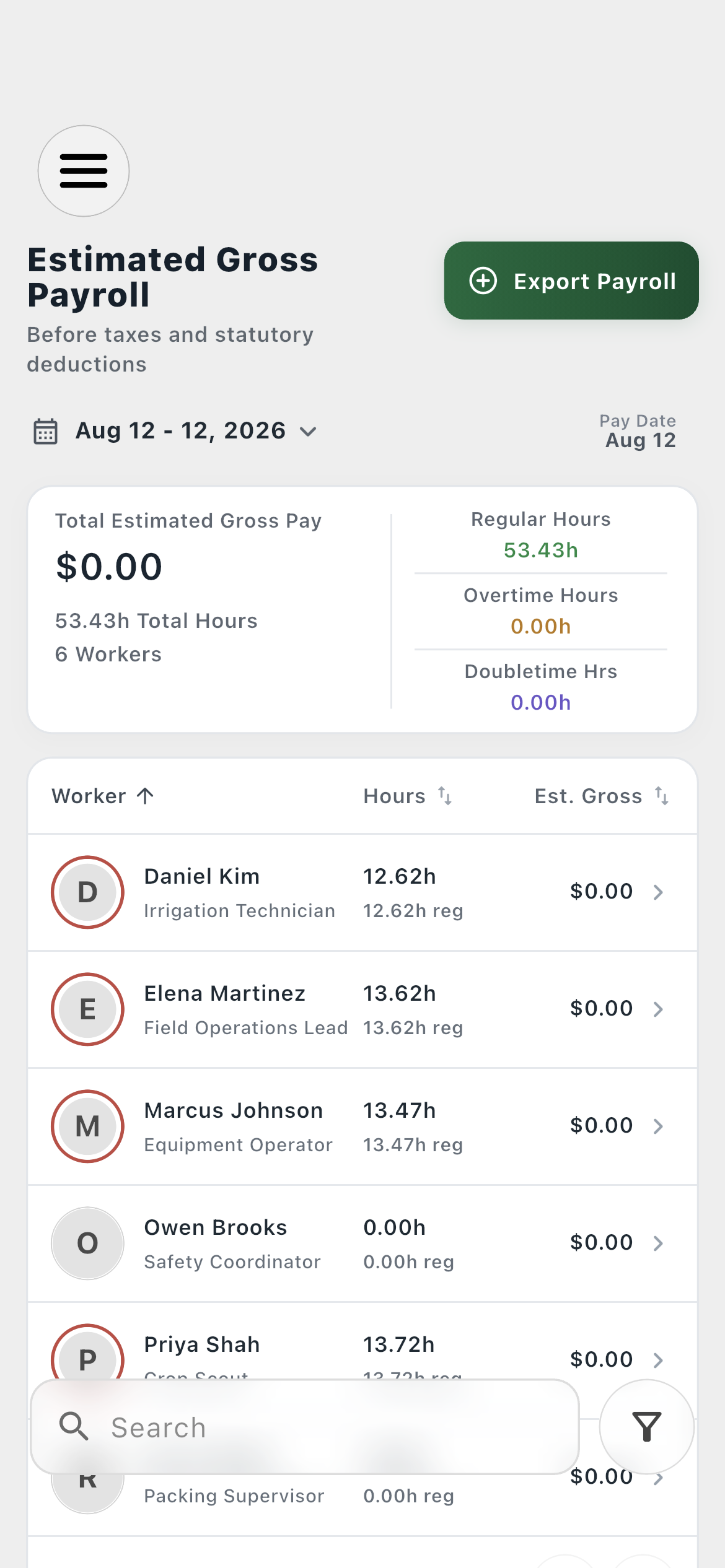
What is included in the payroll export?
The file identifies the generated time, pay period, pay date, and worker count, then itemizes worker identity, role, profile, status, regular/overtime/double-time hours, earnings components, deductions, adjustments, and estimated gross pay with report totals.
How should a Farmroute ID be printed?
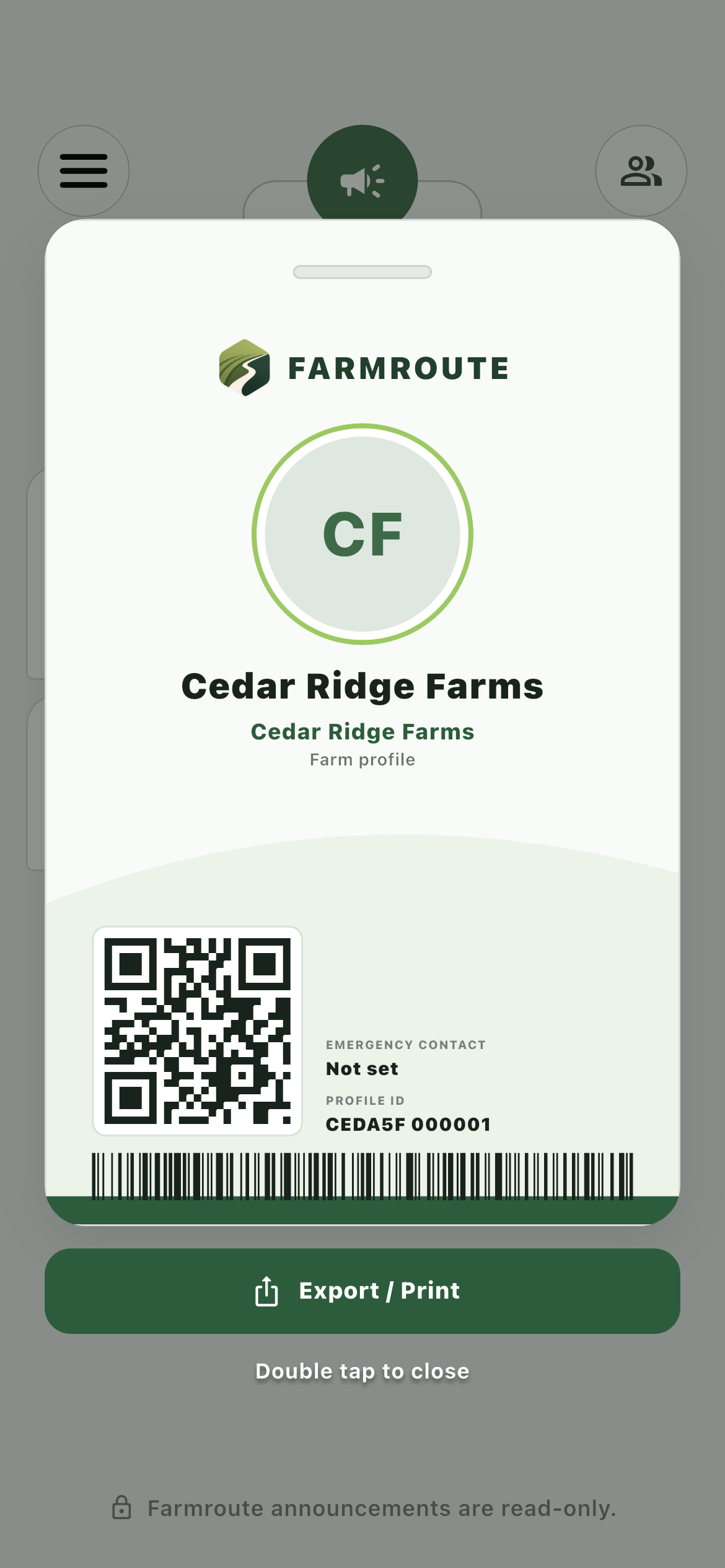
The ID export is a portrait PDF sized to the CR80 card standard of 54 × 85.6 mm. Print it at 100 percent or actual size so a card printer does not scale the layout.
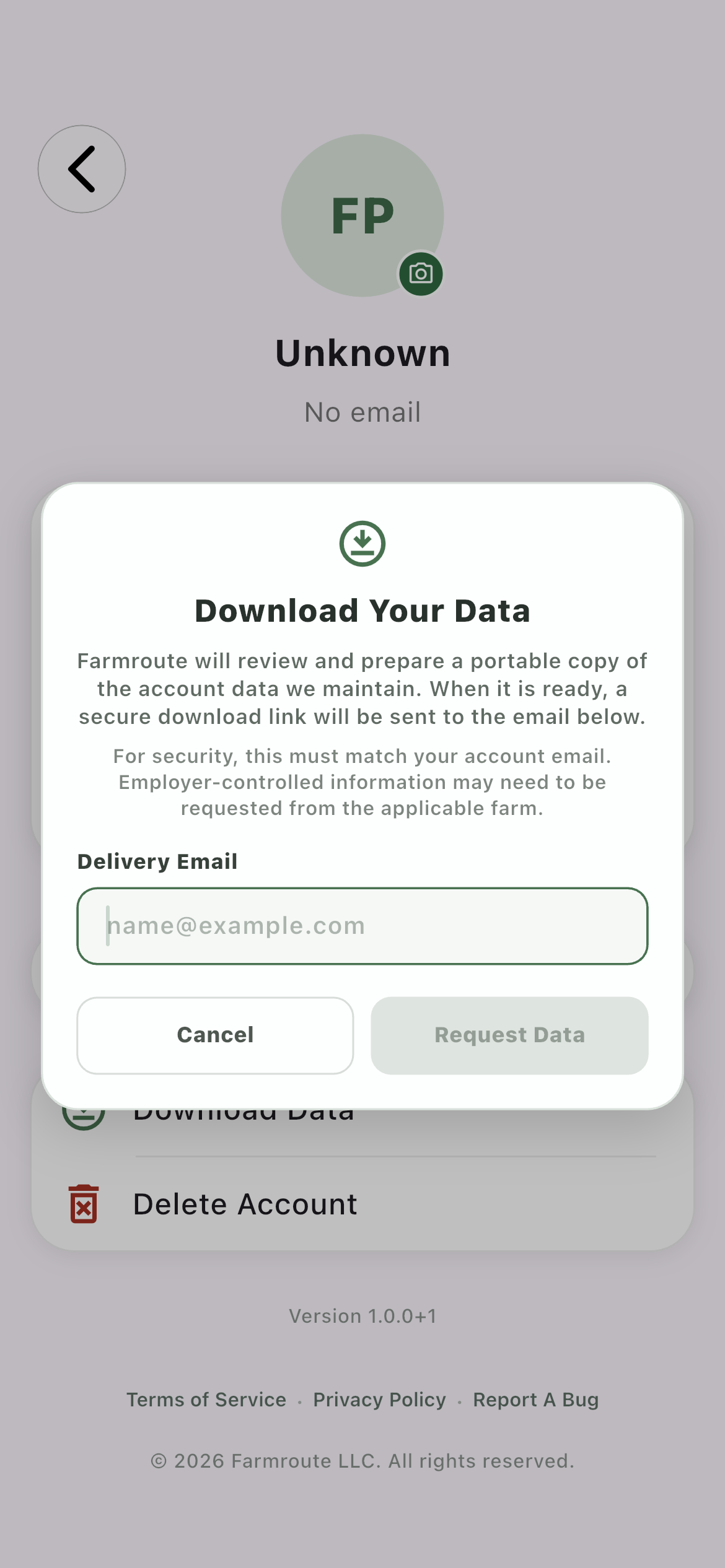
What arrives in a Download Data request?
Farmroute prepares a ZIP containing structured JSON records and eligible original files. A secure download link is sent to the verified account email; credentials and internal storage paths are excluded.