Open one worker and move between a concise overview, the full information record, that person’s schedule, worker-scoped storage, and private farm notes without losing the employee relationship behind the record.
Profile overview
Detailed information
Worker schedule
Worker storage
Farm notes
Live employee updates
Inside the app
See the workflow.
Actual Farmroute screens from the farm and employee demo accounts.
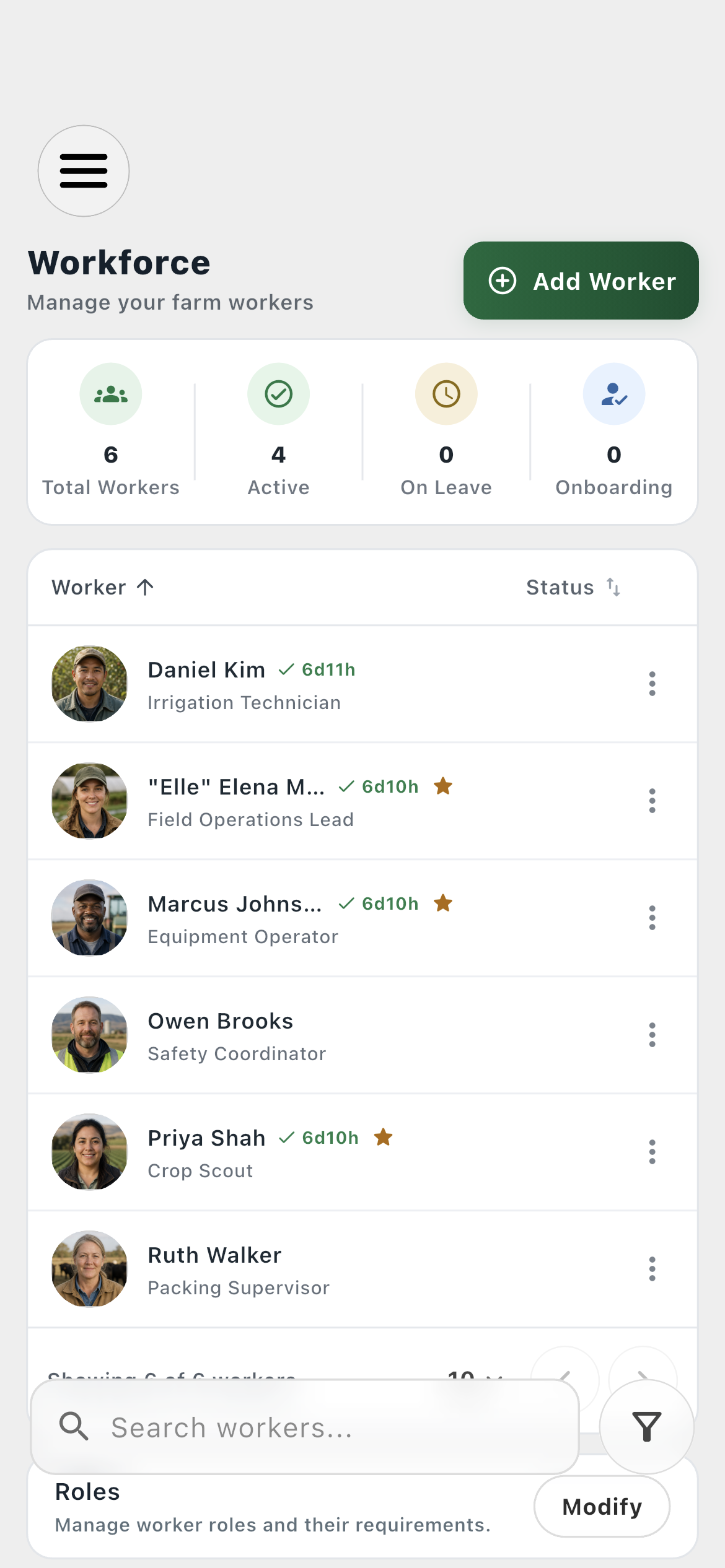
Workforce list01
Identity, operational state, and billable activity are intentionally separate.
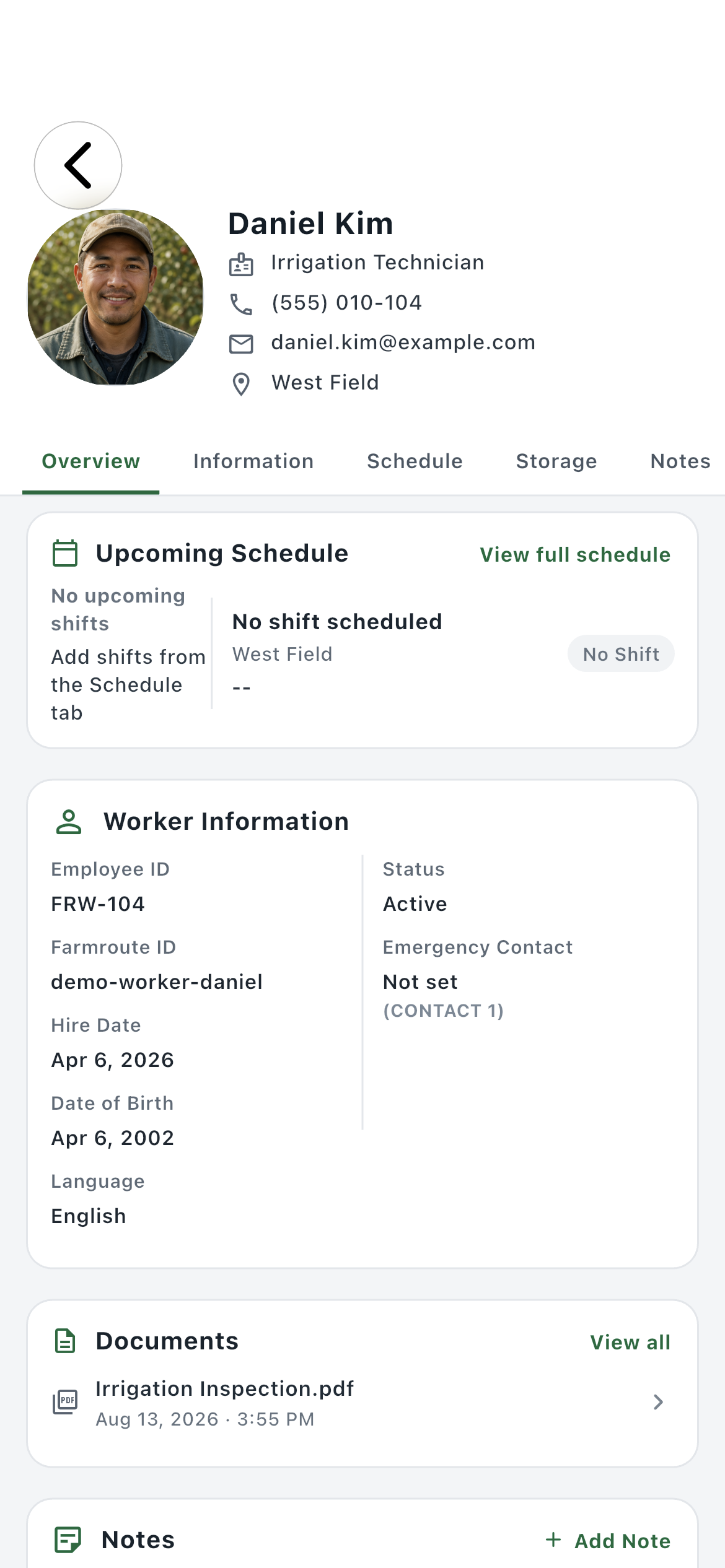
Overview02
A quick operational summary combines the next shift, core worker details, recent documents, and recent notes.
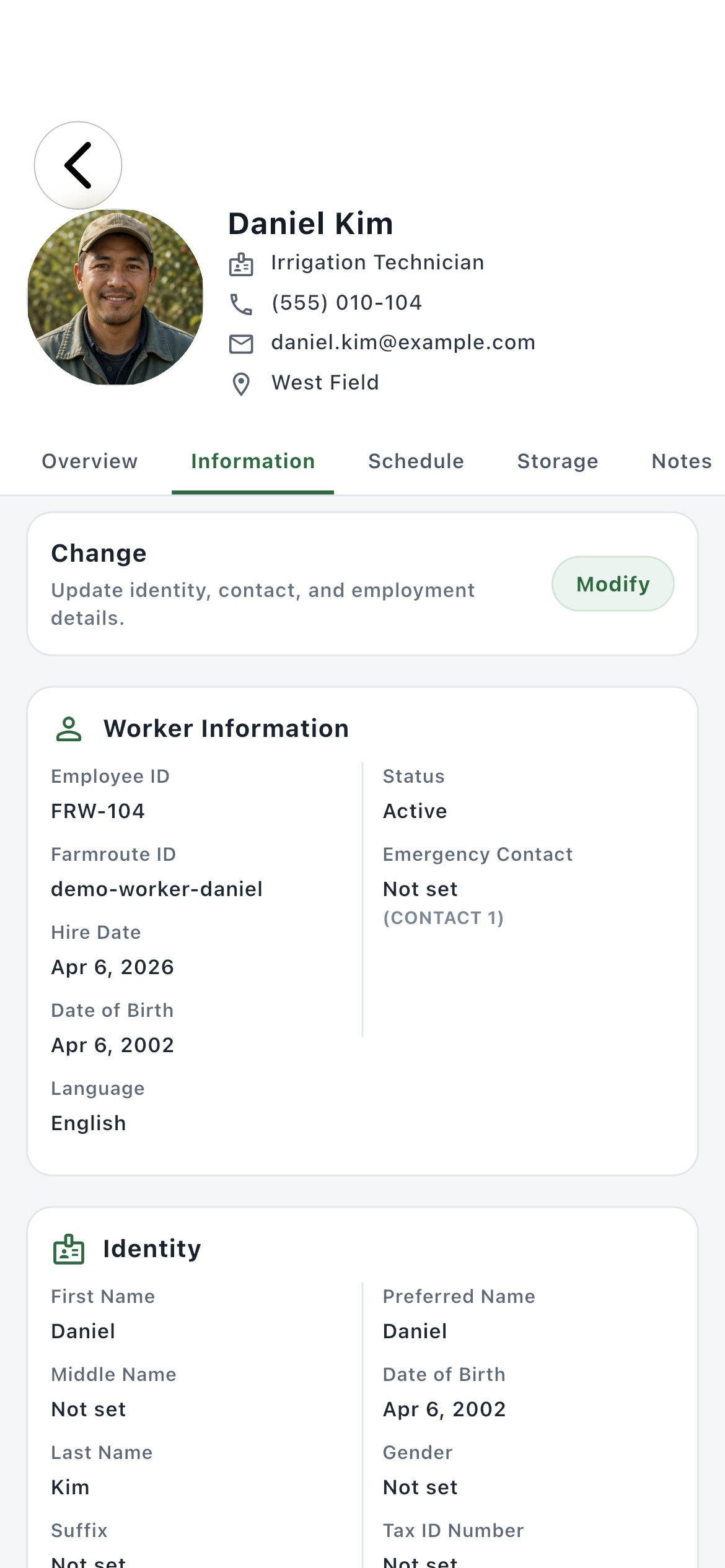
Information03
Review or modify identity, contact, emergency, employment, role, classification, crew, location, and pay-profile information.
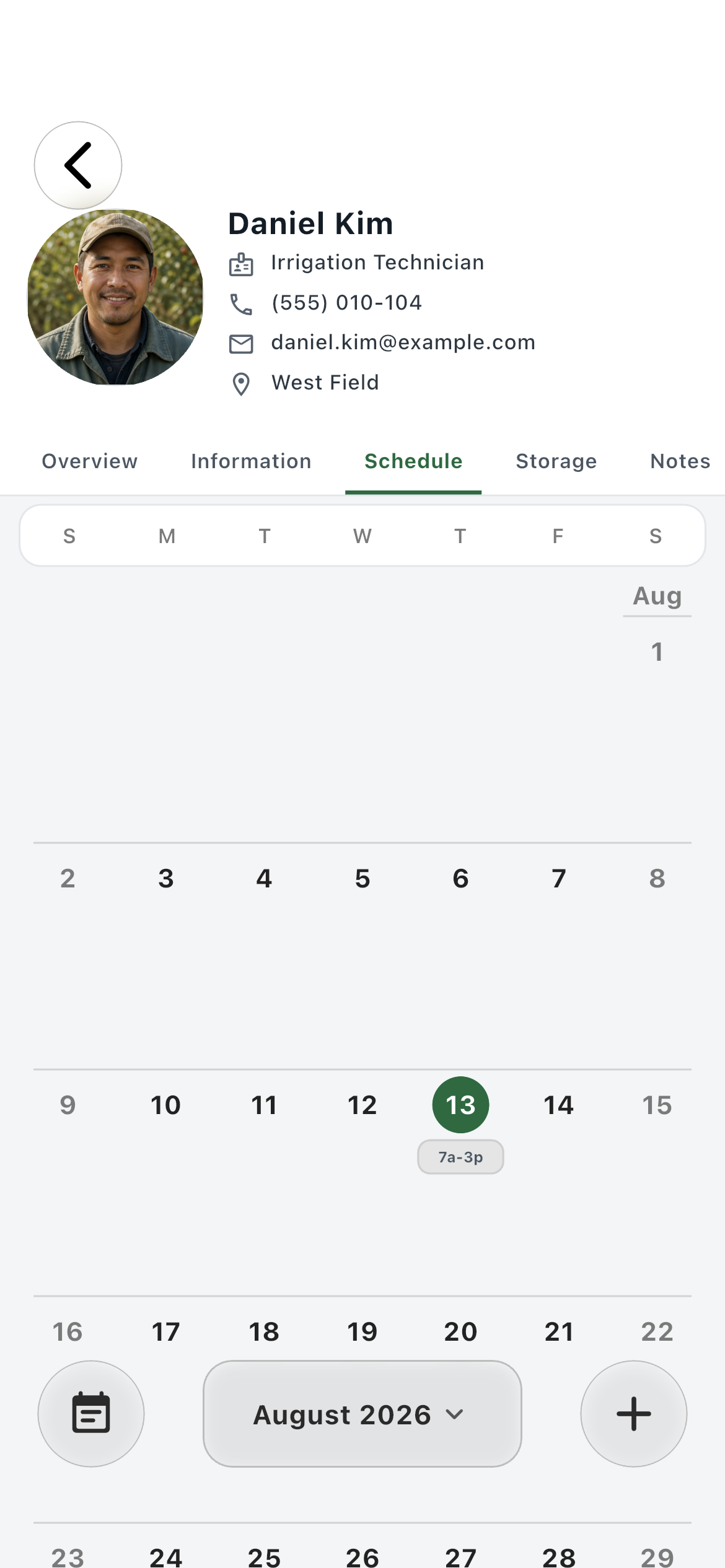
Schedule04
See this worker’s shifts in isolation, add eligible future work, and open the underlying shift record.
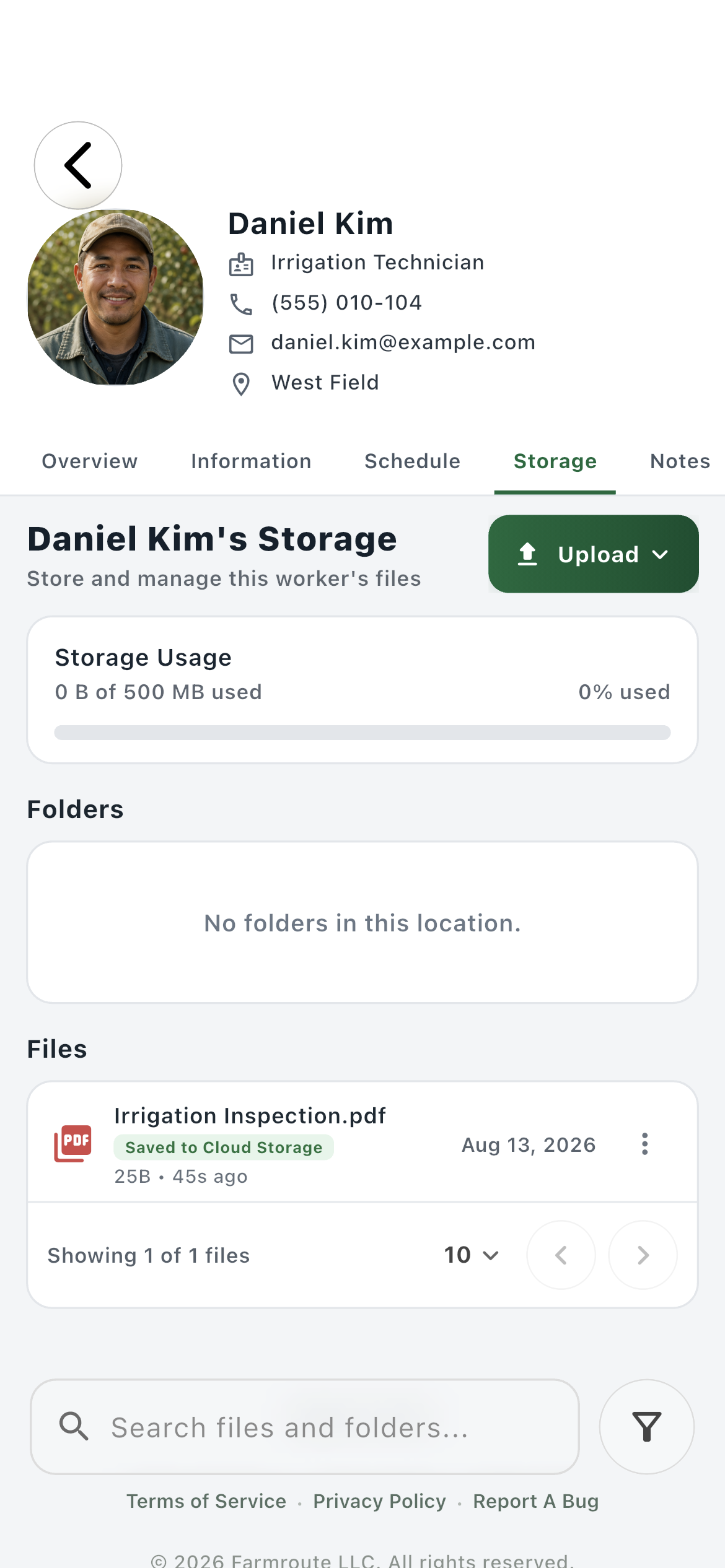
Storage05
Manage the files attributable to this worker while preserving employee-owned and farm-saved ownership boundaries.
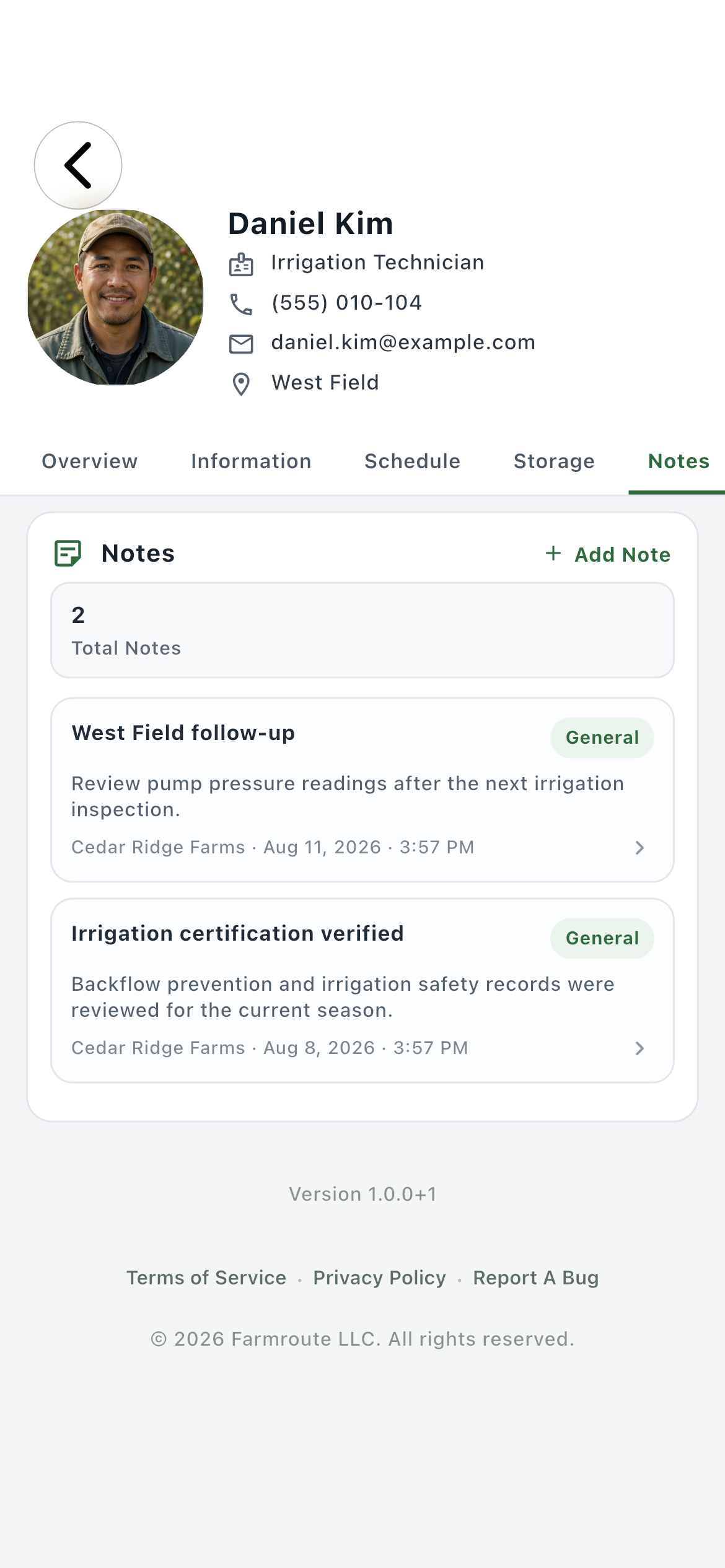
Notes06
Keep dated, farm-authored operational and compliance notes attached to the worker record.
Roles and responsibility
Who does what.
Farm workspace
Operate from the person, not scattered modules.
The profile brings the worker-specific slices of scheduling, storage, notes, and employment information into one record while the wider farm pages remain available for team-wide work.
Overview answers what is current
Each section opens the full worker-specific view
Farm-only notes remain attached to the employer record
Connected identity
Synchronize the worker without surrendering ownership boundaries.
When an employee account is connected, eligible identity changes update the farm’s views. Farm-managed employment data, saved-to-cloud documents, and retained history continue to belong to the correct side.
Preferred and legal names remain clear
Employee-owned uploads stay identifiable
Relationship-dependent access ends at severance
Complete workflow
From start to finish.
01
Add or connect the person
Create a farm worker record directly, send an email invitation, or approve a relationship-code request.
02
Read the Overview
Check the next scheduled shift, essential worker information, recent documents, and recent notes before opening a deeper section.
03
Maintain Information
Review identity and contact details, then manage the farm-specific employment status, role, classification, crew, work location, pay profile, and requested templates.
04
Work from Schedule
View only this person’s shifts, add eligible future assignments, and open a shift when attendance or clock records need inspection.
05
Manage worker Storage
Upload farm-owned records, review employee-owned files exposed through the relationship, and save required items into farm cloud retention.
06
Record farm Notes
Add dated operational, compliance, or follow-up notes with the author retained on the worker record.
07
Manage leave without rewriting activity
Leave can be indefinite or dated and stays separate from the seven-day billable clock-in window.
08
Terminate and retain records
Farmroute closes active clock sessions, removes crew membership and live access, and preserves employer history and saved files.
Get started
Build your operation with Farmroute.
We pride ourselves on transparency. No need to call for a quote.