CommunicationProduct guide
Group messaging
Create farm groups, promote administrators, control who can message or invite, and automatically follow selected crew membership.
- Head admin protection
- Crew auto-invite and removal
- Message permissions
- Member moderation
Inside the app
See the workflow.
Actual Farmroute screens from the farm and employee demo accounts.
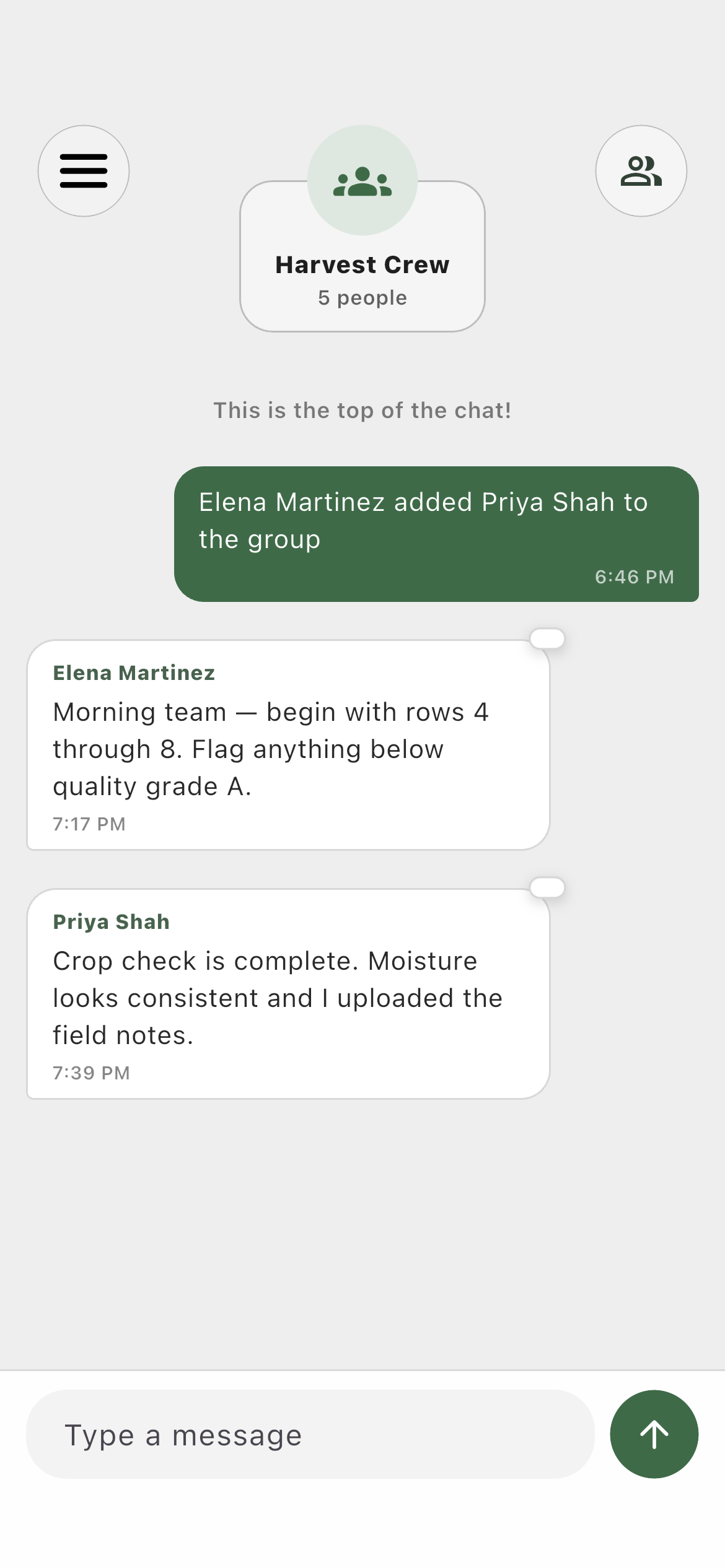
Farm profile01
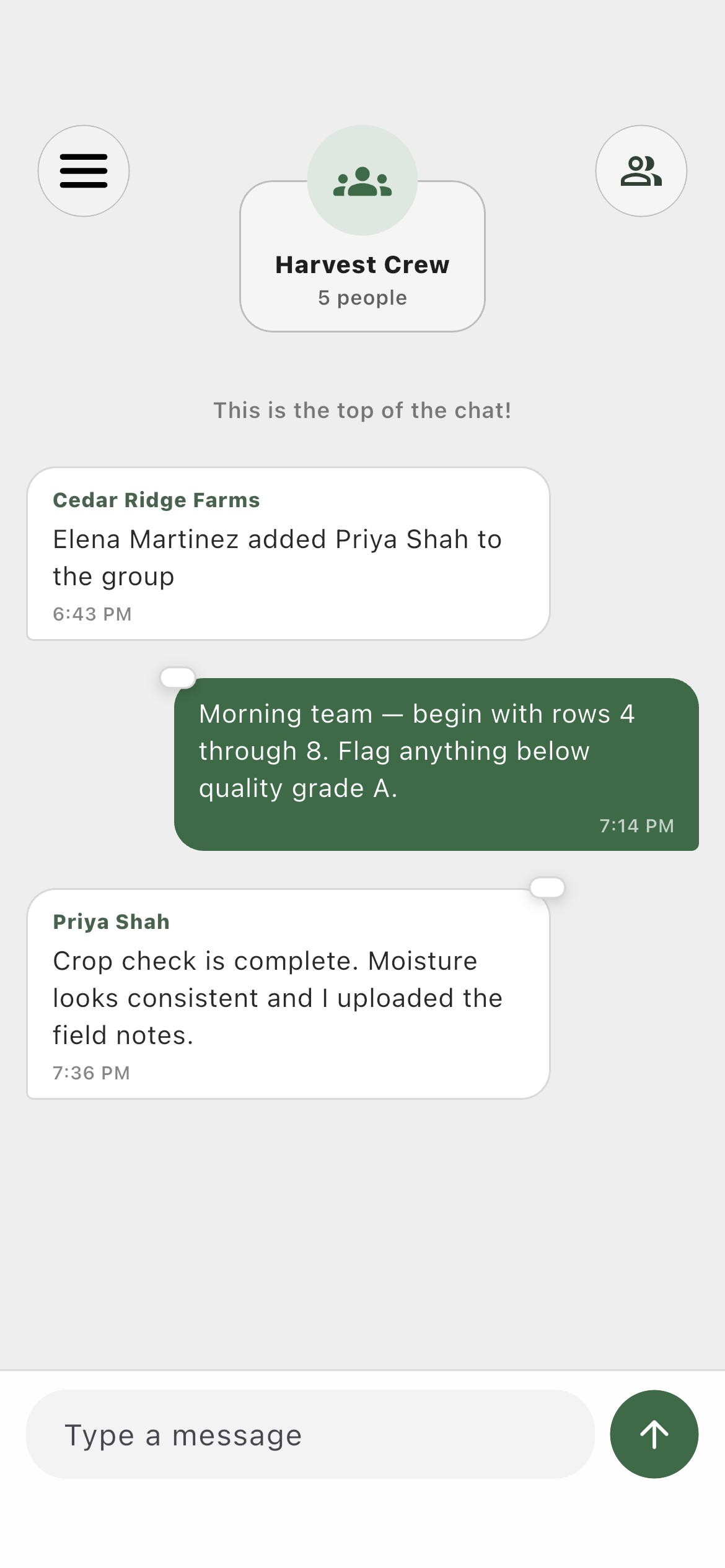
The farm sees group details and member messages in the same live conversation.Employee profile02
The worker participates with the permissions assigned by the farm.Group directory03
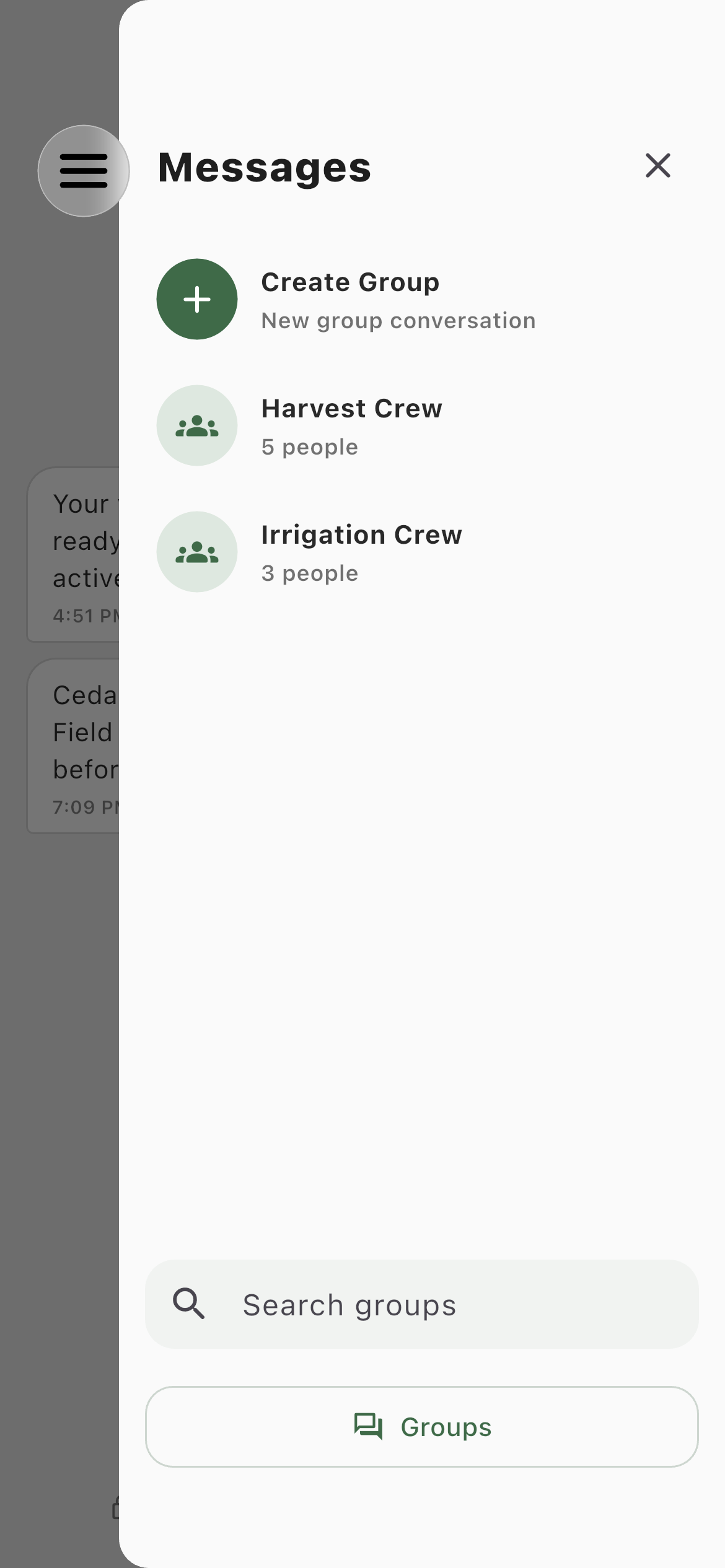
Farm profiles can create groups; employees see the same directory without creation access.Roles and responsibility
Who does what.
Farm profileCreate and govern the group.
Only farm profiles create groups. The creator becomes Head Admin and cannot be demoted by a promoted administrator.
- Invite only workers related to that farm
- Promote admins and silence individual members
- Link one or more crews for automatic membership
Employee profileParticipate with the permissions the farm set.
Employees can message, react, or invite only when the group’s rules and their role allow it.
- Removed groups remain as a frozen history snapshot
- Members cannot cross-invite workers from another farm
- Silencing affects sending, not notifications
Complete workflow
From start to finish.
- 01
FarmSwitch the directory to Groups
The selected direct conversation stays in place until a group is deliberately opened.
- 02
FarmCreate and name the group
The farm creates the group with a name; membership can be managed after creation.
- 03
FarmInvite eligible members
The Invite view excludes existing members and workers outside the current farm relationship.
- 04
FarmSet group permissions
Choose who can message, invite, and react, plus which membership and permission changes appear as center notices.
- 05
FarmOptionally connect crews
Auto Invite and Auto Remove can follow each selected crew while the Head Admin remains protected.
- 06
BothUse the conversation
Text, replies, reactions, unread state, pins, mute, report, and notification behavior work like direct messages.