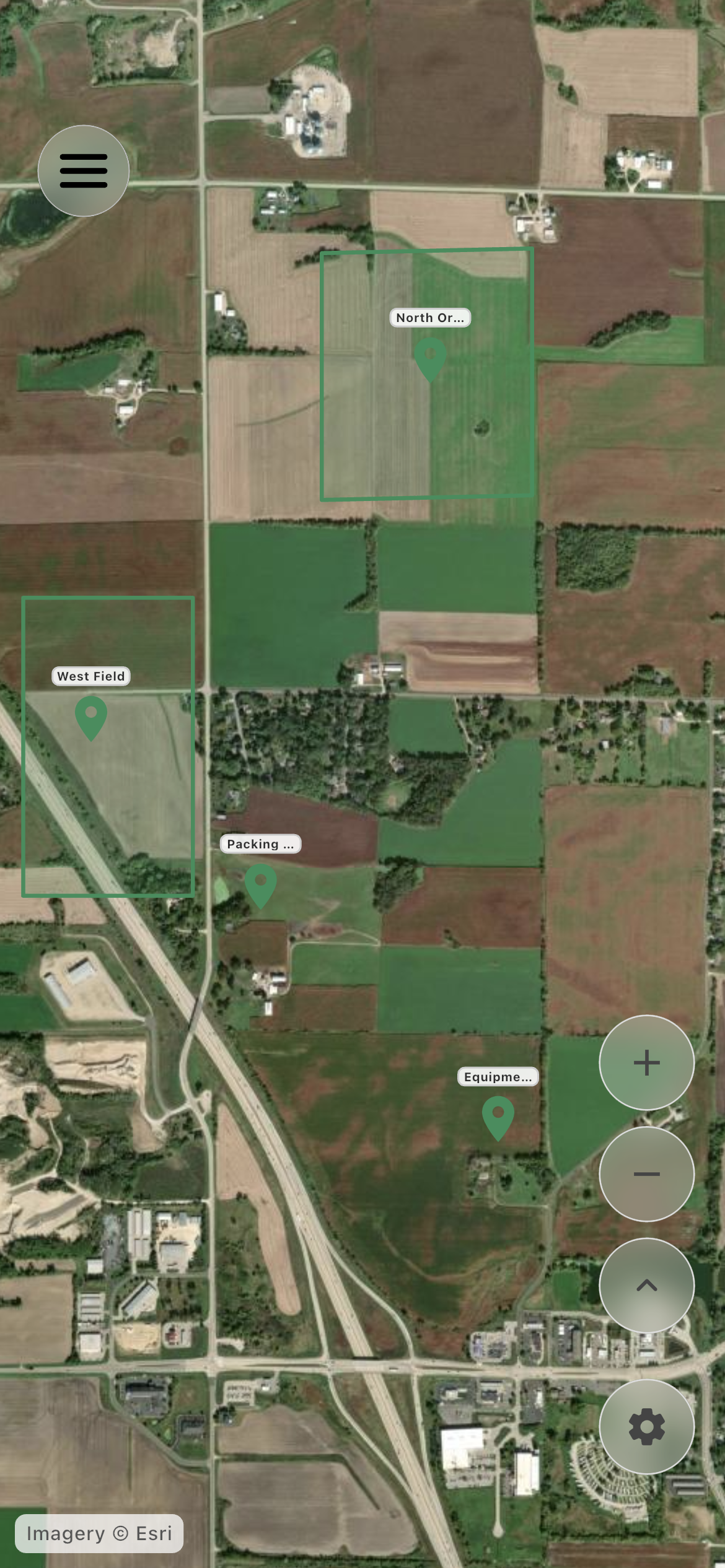
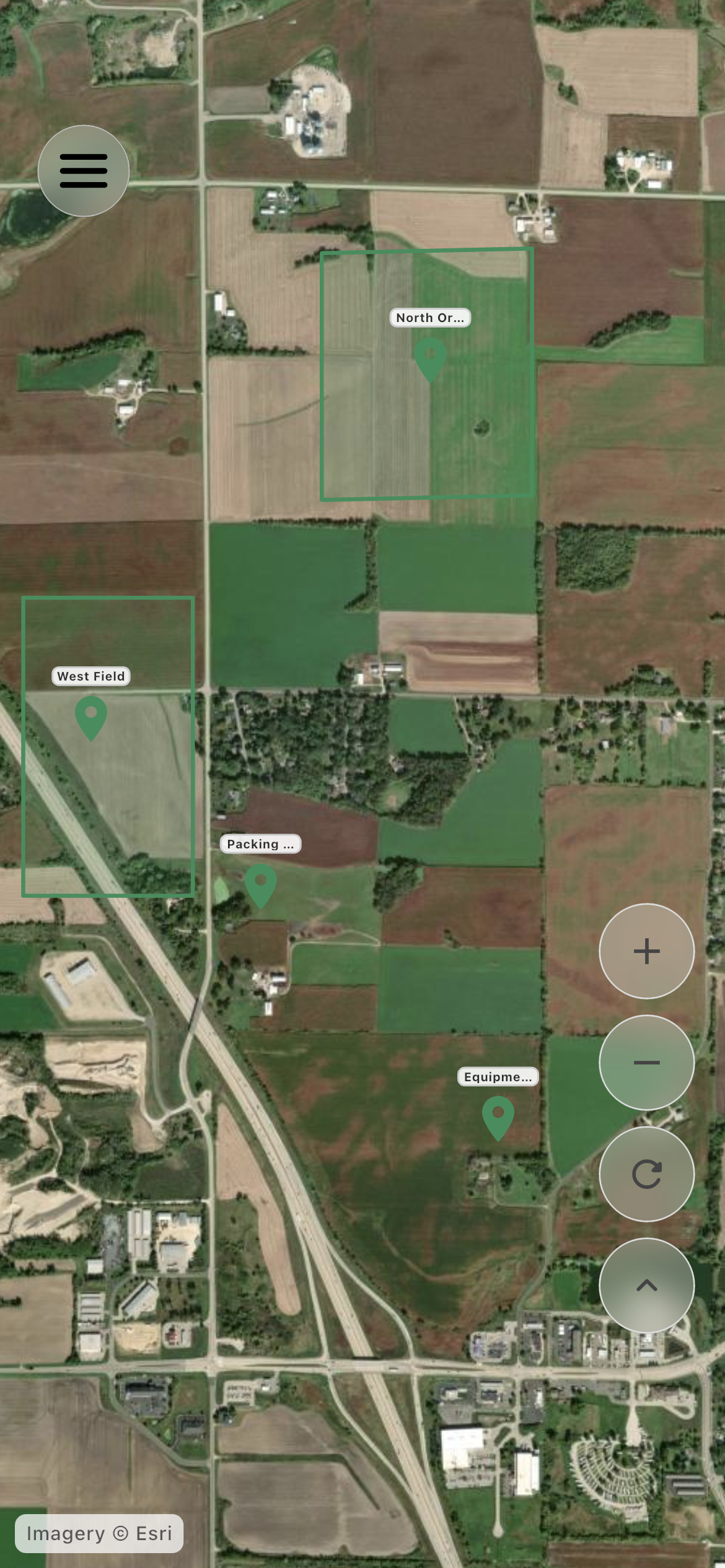
Show farm areas on an interactive map, keep editing controls with the farm, and let employees switch between farms where they have active relationships.
Farm location areas
Employee farm selector
Farm-only settings
Smooth map boundaries
Inside the app
See the workflow.
Actual Farmroute screens from the farm and employee demo accounts.
Farm profile01
The farm owns location configuration, operational markers, and mapped field boundaries.
Employee profile02
Employees can view the farm’s locations and field boundaries without editing its map.
Roles and responsibility
Who does what.
Farm profile
Define the operation’s places.
The farm manages location areas from the existing location options menu and sees the map without a distracting centered marker.
Farm-only Settings option
Bounded, smooth map movement
Locations available to schedules and work
Employee profile
View the correct farm map.
Workers receive read-only location context and a farm selector when they have more than one active relationship.
No farm editing controls
Last farm selection retained
No false default farm when no relationship exists
Complete workflow
From start to finish.
01
Farm
Open Locations
Use the map directly and open Settings from the existing top-right options menu.
02
Farm
Create or adjust a location
Define the farm area and its operational details.
03
Employee
Receive relationship-scoped access
The location becomes visible only through the current farm relationship.
04
Employee
Switch farms when needed
Use the top-right selector to change which farm’s map is being viewed.
Get started
Build your operation with Farmroute.
We pride ourselves on transparency. No need to call for a quote.